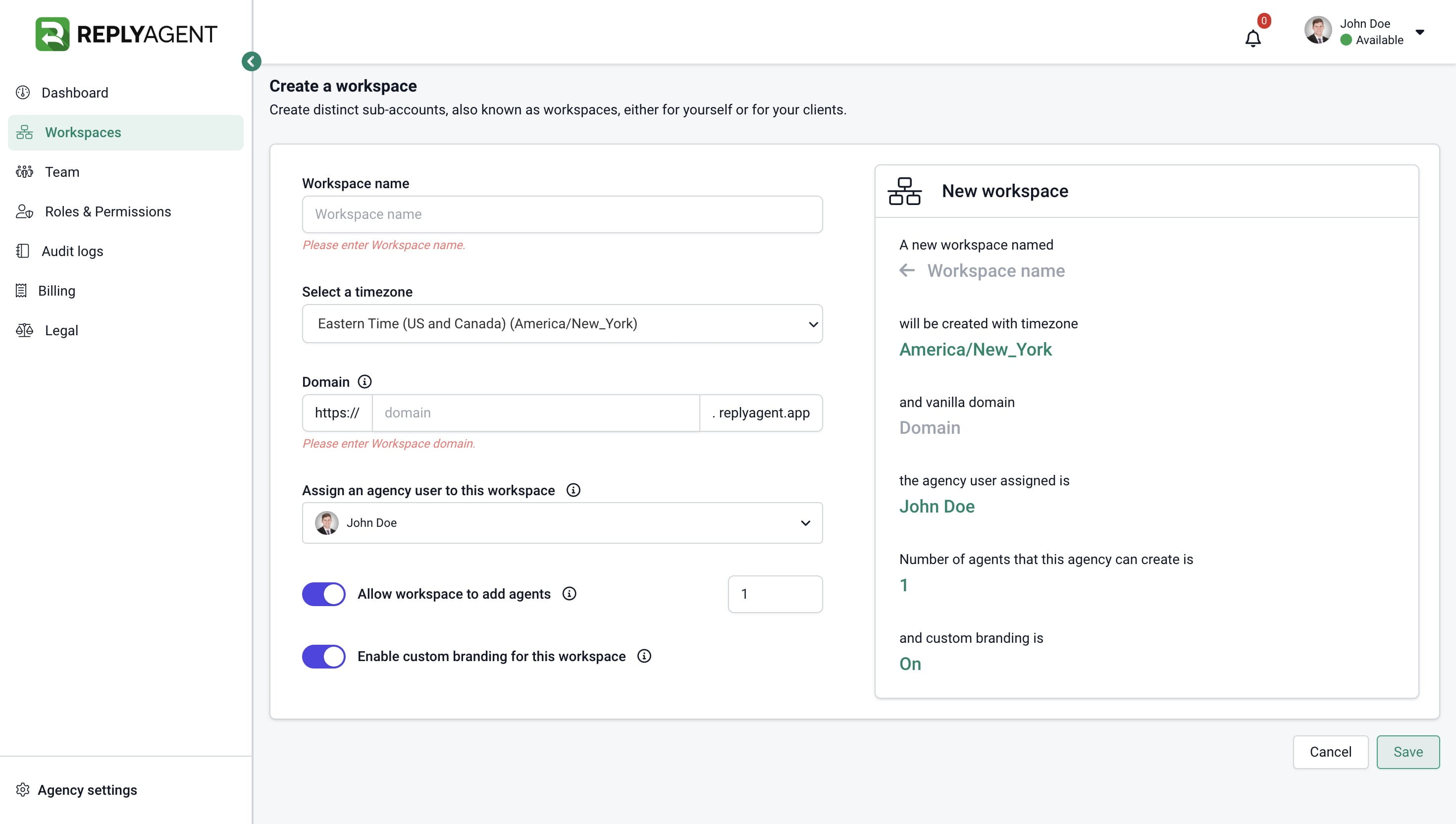
How to create a Workspace
What is a Workspace?
A Workspace is a versatile sub-account tailored for individual use or for your clients' needs. Within it, you can establish multiple workspaces, each dedicated to specific clients. Moreover, you have the flexibility to organize departments and teams within these workspaces, accommodating as many agents as required.
One outstanding feature of Workspaces is its ability to white-label; this means you can customize the workspace with your client's branding, including their colors, domain, and logo.
How can I create a workspace?
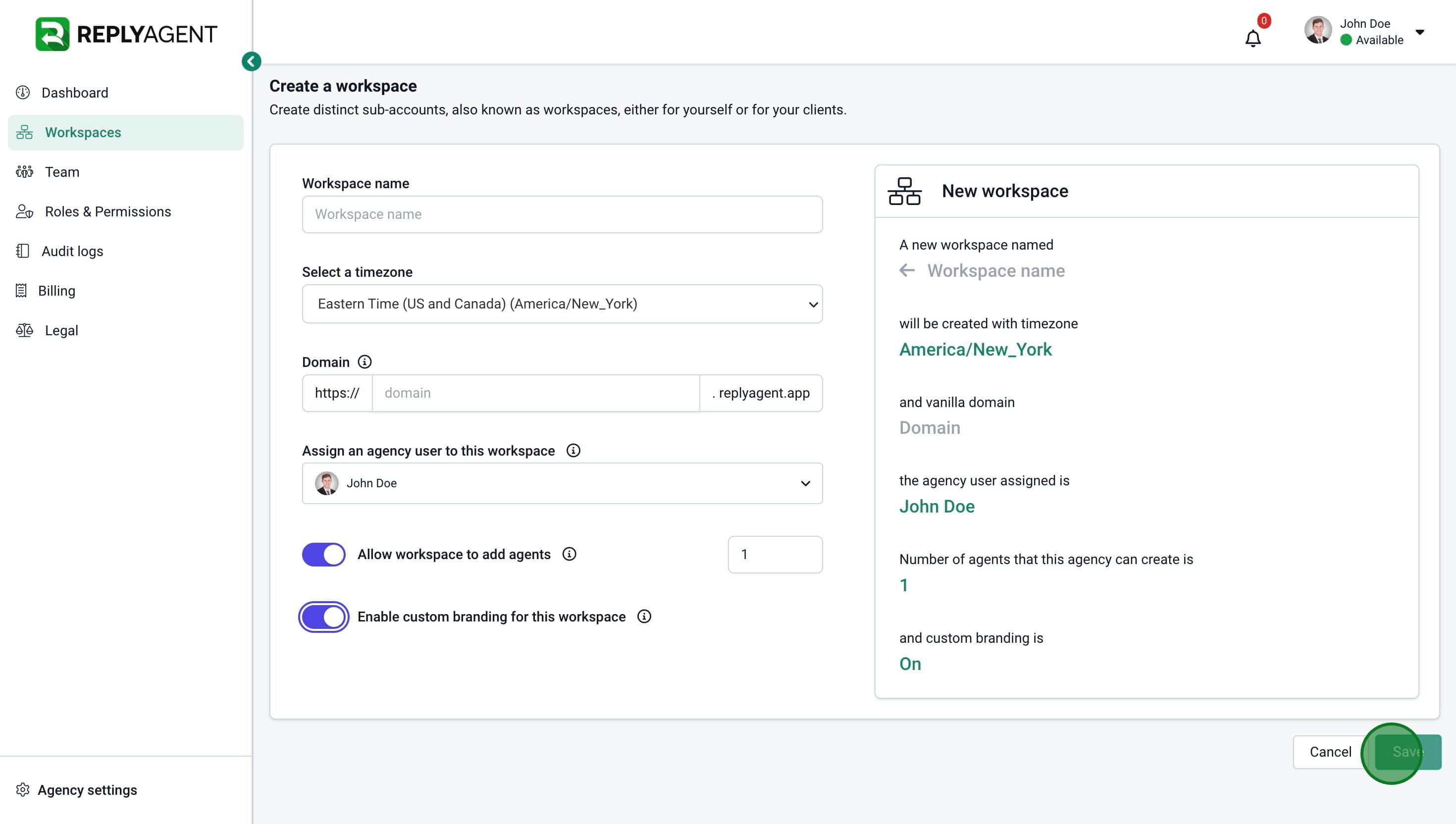
To create a Workspace, simply navigate to the Workspaces section within your Agency account and click on the 'Create' button.
1. Navigate to your Dashboard.
2. Click on "Workspaces".
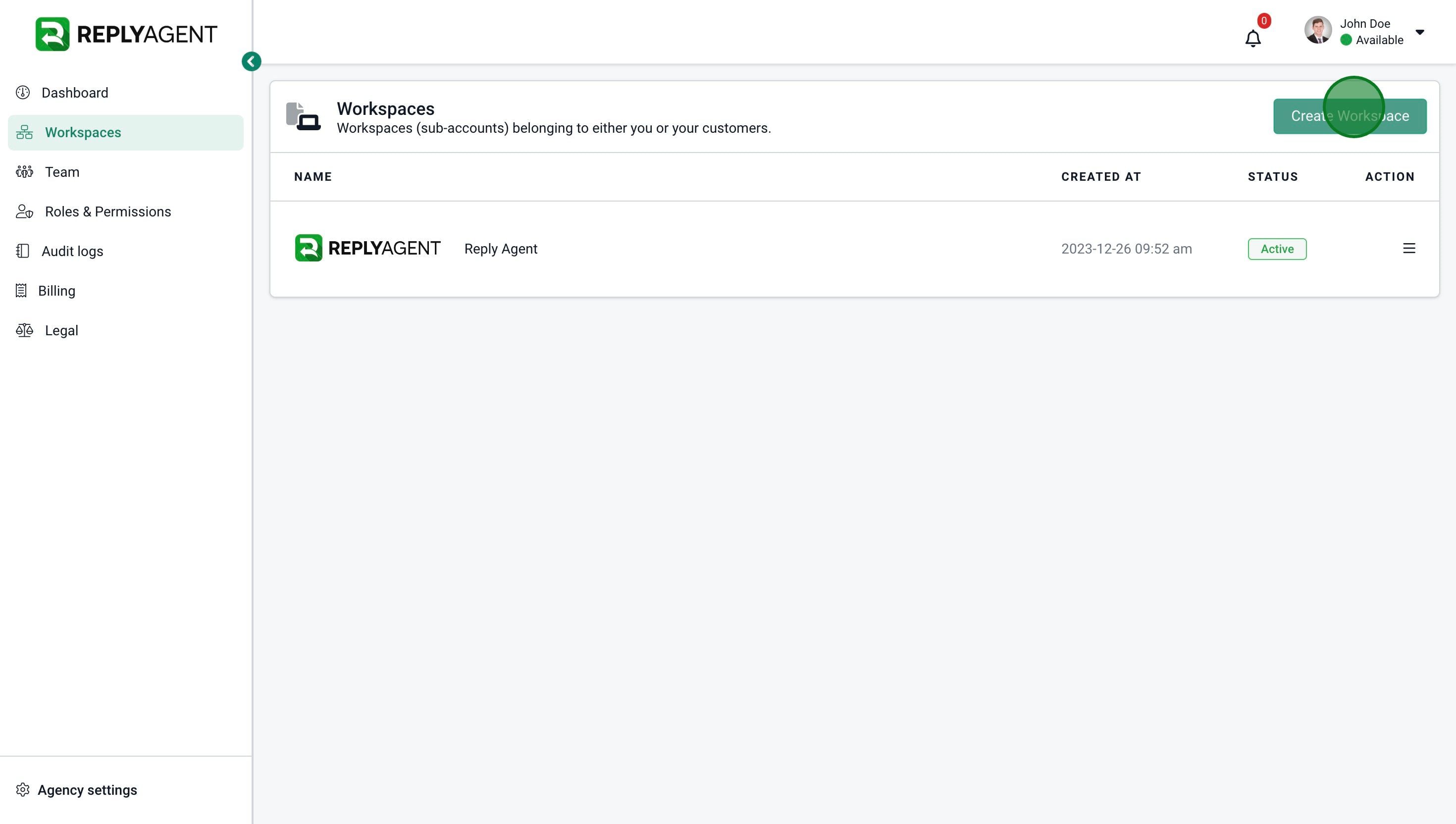
3. Click on "Create Workspace"
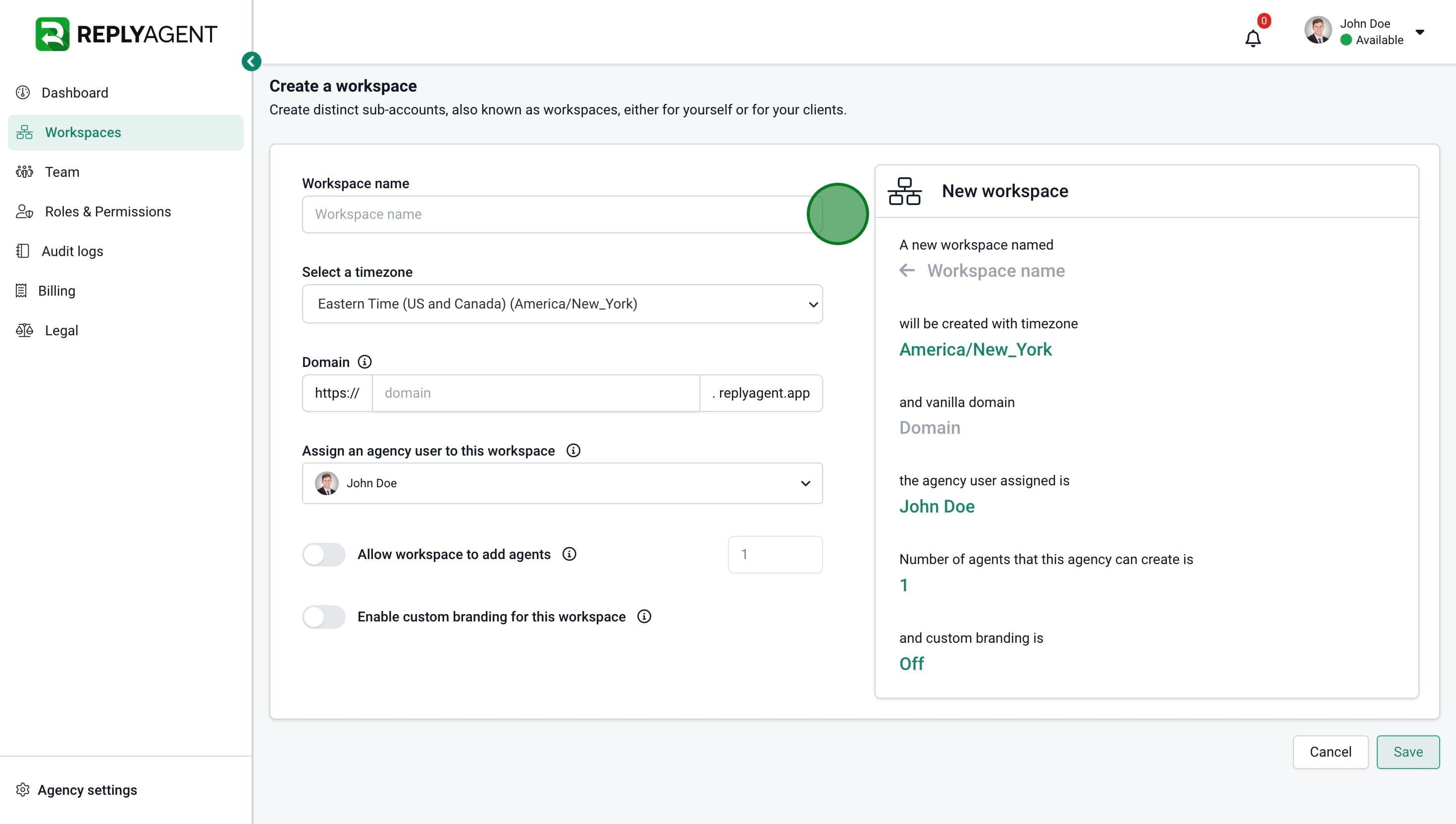
4. Add a "Workspace name"
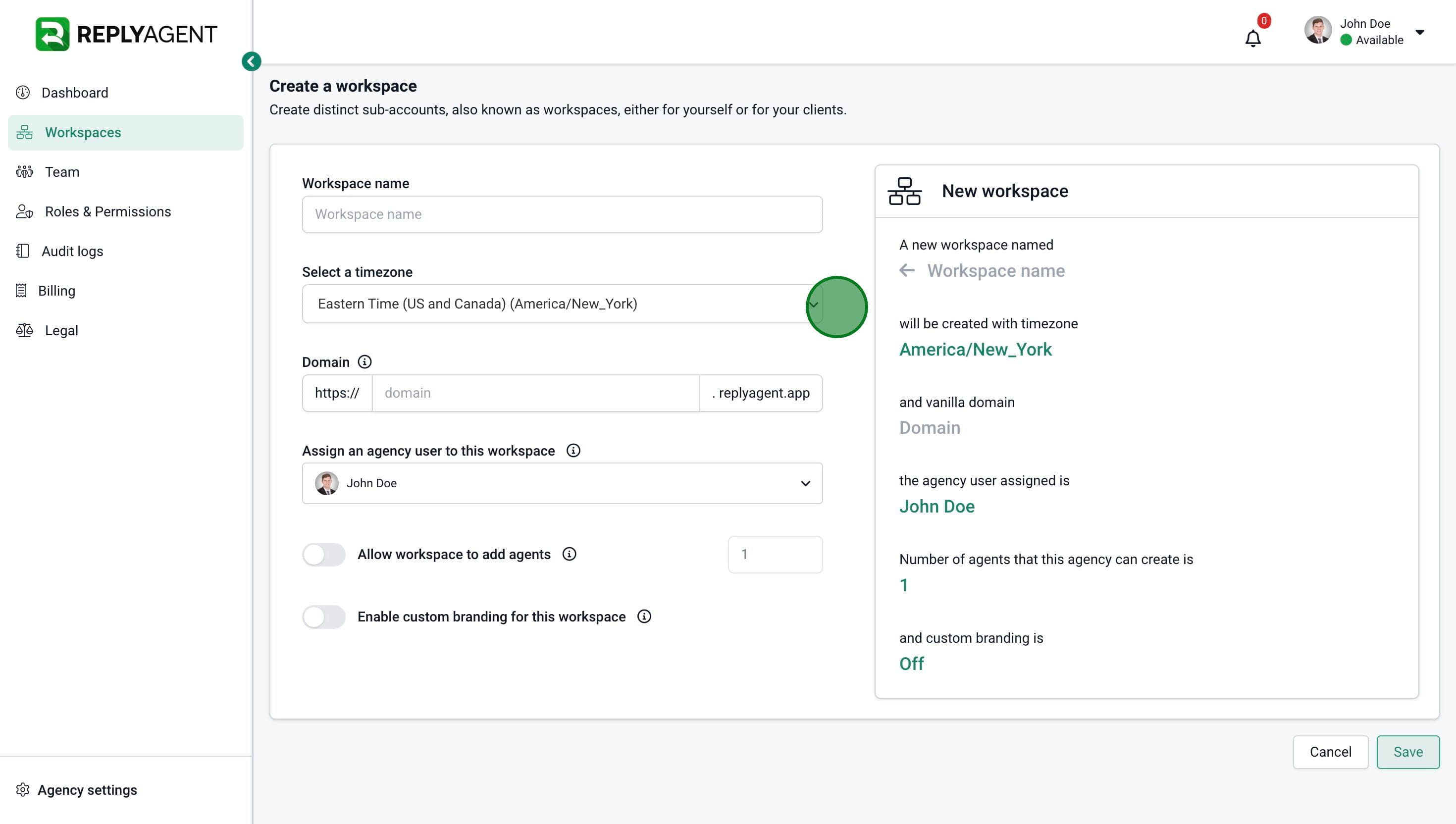
5. Select a "timezone"
6. Add a "Subdomain"
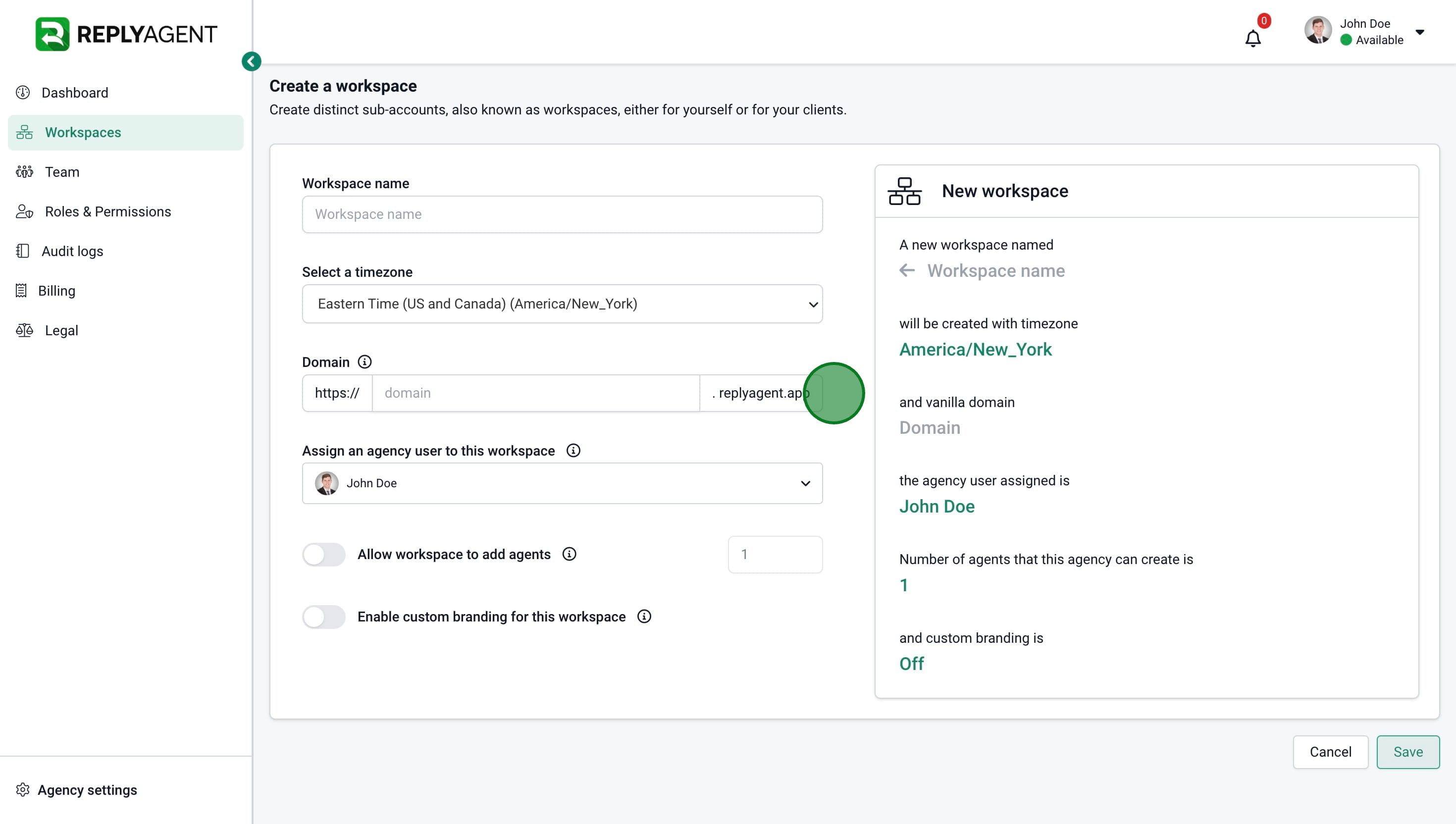
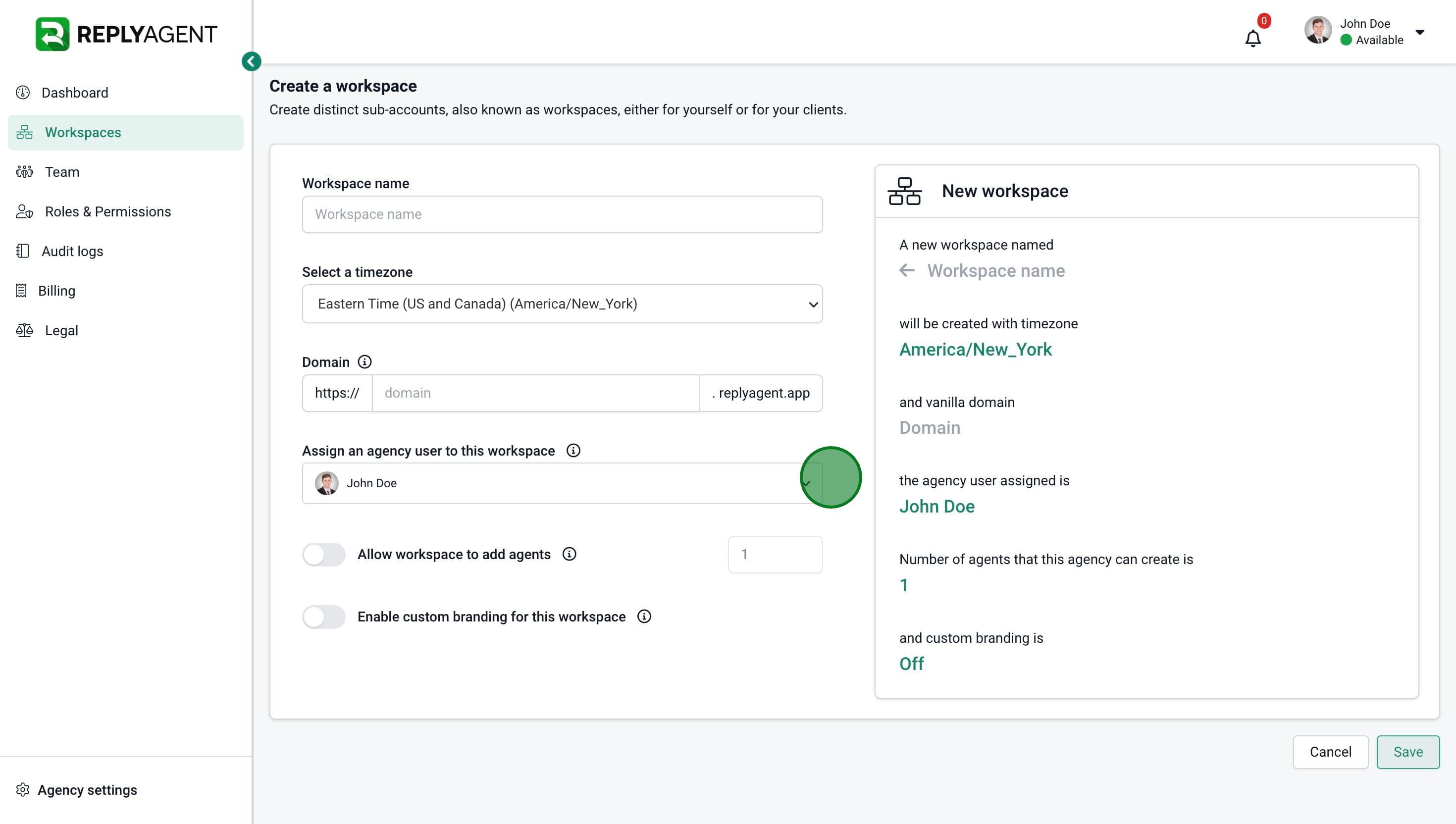
7. Select the agency user responsible for the "Workspace"
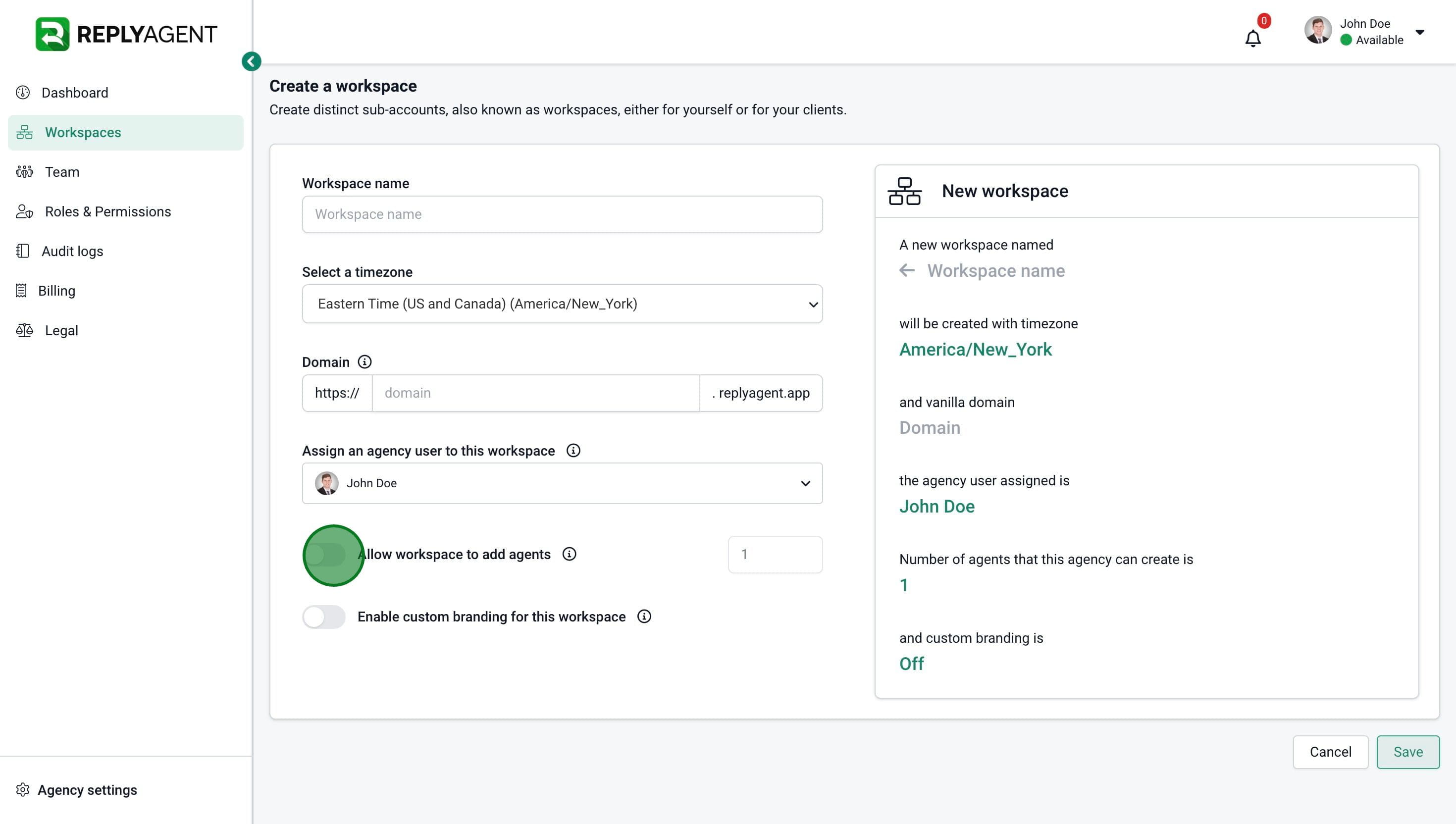
8. Enter the number of agents that can be added to this Workspace.
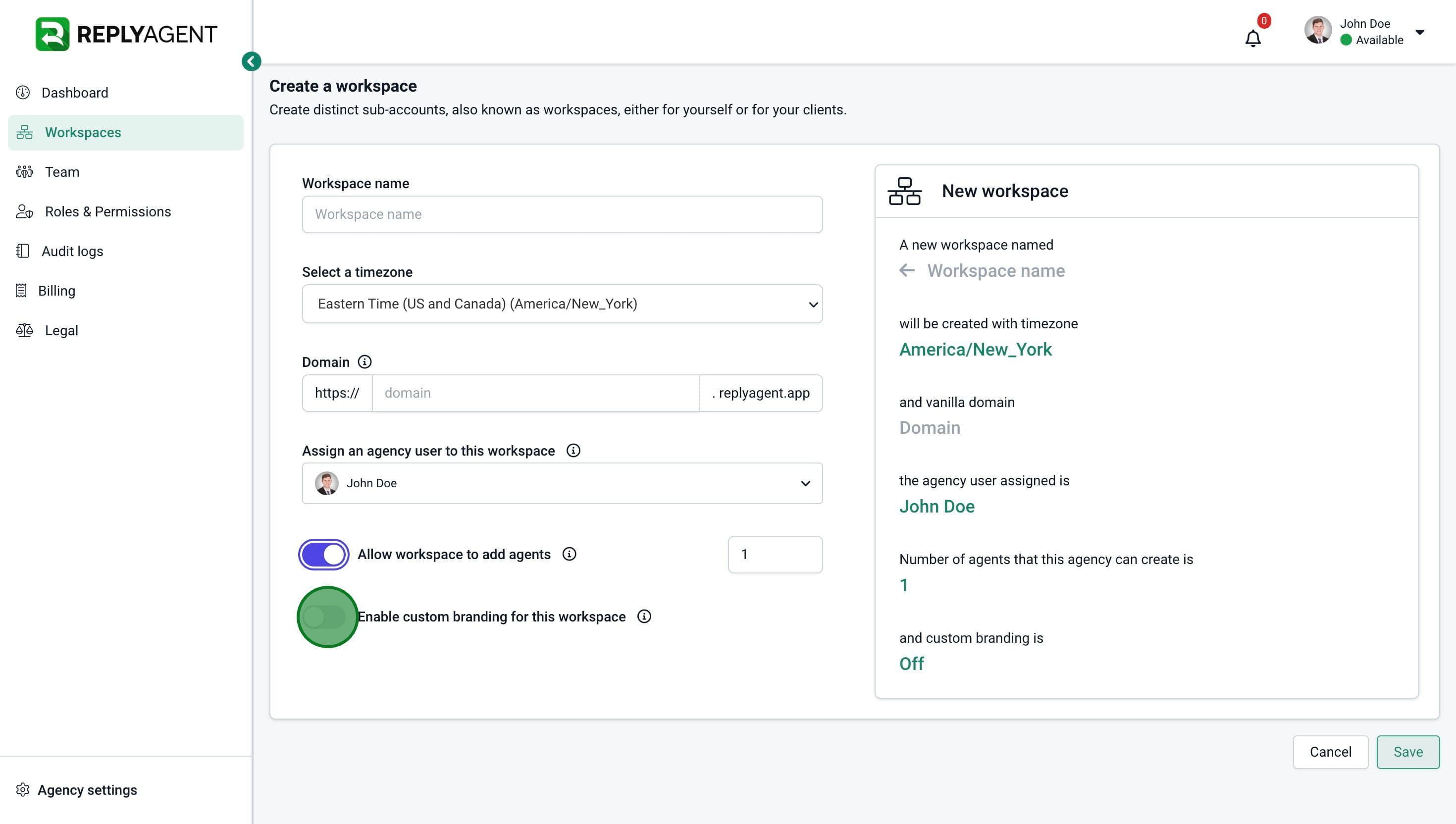
9. Choose to enable the custom branding.
10. Click on "Save"
11. Done 🚀